Food Nutrition Database: How to Pick a Source
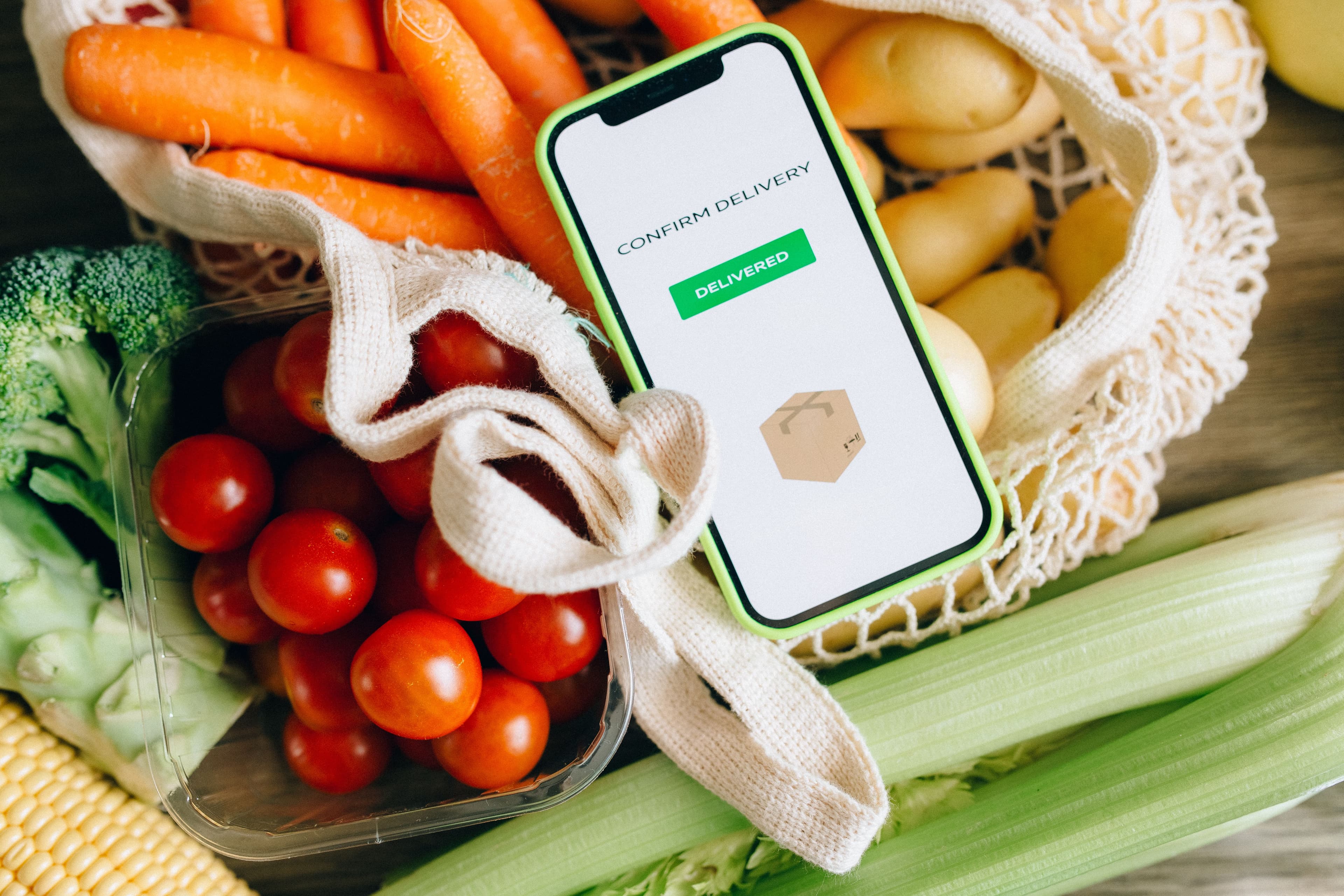
A food nutrition database is the source layer beneath every calorie total, macro breakdown and label panel. It deserves more attention than the calculator interface because a clean interface cannot repair a poor food match. Choose a source by asking what the record represents, where it came from and whether you can preserve that provenance in your own work.
- Database choice should follow the food and use case, not just the biggest catalogue.
- Source, data type and record identifier are part of the nutrition result.
- A database value is evidence for an estimate, not a laboratory result for every finished recipe.
A useful label workflow has two separate jobs: establish defensible nutrition data, then present it in the form people need. The FDA's label explainer is clear that values are per serving, while the FDA's food-business guidance points producers back to their final formulation and local requirements. Keep those jobs distinct and you avoid a surprisingly common mistake: treating a tidy-looking panel as proof that the underlying recipe was checked.
The decision before the design
Before opening a template or comparing software, write down the actual decision the page, label or data feed has to support. Is someone choosing a serving size, preparing a package for print, comparing two ingredients, or asking an application for nutrient values? The answer changes what needs checking. Mealary keeps the calculation traceable to USDA FoodData Central records, then applies the FDA's rounding and Daily Value rules to the per-serving result. That makes it easier to spot an unresolved ingredient before it becomes a costly reprint.
Keep the hand-offs intentional. Use the nutrition calculator to establish the recipe result, the label generator to create the panel and the practical blog library to answer the next operational question. That is a less brittle workflow than copying values between spreadsheets, templates and design files.
The point is not to turn a small food business into a paperwork factory. It is to make the next correction cheap. If a supplier changes, a serving changes or a printer asks for a new format, a compact record lets the right person update one connected workflow instead of reconstructing the decision from a screenshot. That is the difference between a useful estimate and an output a team can confidently review.
Use a deliberately ordinary quality check before you call the work done. Read the ingredient entry as someone else would, compare the serving to the pack, look at the selected source rather than only the final number, and make one small proof at the physical size a customer will see. Those four checks are quick because they are specific. They also catch the awkward errors that a dashboard, a beautiful template or a persuasive sales page tends to hide: a raw food selected for a cooked recipe, a six-serving calculation attached to four containers, a changed supplier, or a panel that is simply too small to read once it is printed.
Keep that review proportionate. A family recipe being explored for dinner needs a sensible estimate; a packaged product, a published menu or an API response that drives another system needs a record another person can follow. In both cases, clear inputs and explicit uncertainty are better than manufactured certainty. When something does not match, pause at the input and correct it there. Reworking the source is safer than polishing a result that was built from the wrong food, portion or assumption.
| Question | Why it matters | Useful evidence |
|---|---|---|
| What food is this? | generic and branded foods differ | description and data type |
| Where did the number come from? | provenance affects review | source documentation |
| When does it change? | updates can move results | update cadence |
| Can we trace it later? | supports support and QA | stable record identifier |
Database-selection questions
A practical way to do it
- Classify whether the input is a generic ingredient, a branded product or a finished recipe.
- Read the source documentation for the candidate dataset and record type.
- Store the selected identifier and relevant description with calculated output.
- Review unusual results rather than normalising them away in the interface.
A big catalogue is not the same as a good match
A broad database may have thousands of entries for common foods. That is useful only if the software can distinguish them. A generic raw carrot, a canned seasoned carrot and a branded carrot snack are all reasonable records in different contexts. Treating them as interchangeable because the word 'carrot' appears in each name loses the detail that users care about, particularly sodium, added ingredients and allergens.
USDA FoodData Central is valuable because it publishes documentation about its data types rather than presenting every number as identical. Use that openness as a design principle. Your product can show a clear record description and let a user correct it. That is usually more trustworthy than pretending a fuzzy text search has made a perfect decision.
Provenance makes corrections possible
When a user queries a nutrition result, the fastest useful answer is not 'the database says so'. It is: this recipe used this record, at this amount, and this is the source. Keep the FDC identifier and description in the analysis object. A support team can then reproduce the calculation or spot that a recipe used a cooked record where a raw record was intended.
The same recordkeeping helps when data updates. A revised branded entry may reflect a new formulation, not an error in your calculator. If the original selection has been kept, the team can compare old and new records and explain the difference. Without provenance, every unexpected result becomes detective work.
Separate estimation from certification
Food databases are excellent for creating informed recipe estimates and operational labels, but they do not turn a variable homemade product into a laboratory-tested sample. Ingredients vary, suppliers change and preparation can alter water content. Explain this without undermining the tool: use defensible sources, show the matches and encourage final-formulation review.
The FDA's business guidance notes options such as laboratory analysis and points food businesses to USDA data. That is a useful framing. A small producer can begin with documented data and a repeatable calculation process, then obtain additional advice or testing when the product, claim or distribution requires it. Mealary is built for the documented calculation step, not for making regulatory assurances.
A realistic working example
Checks that save a second pass
- Collapsing all food records with similar names into one generic result.
- Losing source identifiers after calculating nutrients.
- Assuming a database record has the same status as an analysis of the finished food.
- Updating database imports without recording which output version was used.
“Foundation Foods provide insights into variability in food composition.”
It is a structured collection of food records and nutrient values used by calculators, labels and nutrition applications.
Foods can differ by brand, preparation, formulation and data source. The application should help select the record that fits the input.
Use documented sources and review the final formulation. Requirements can vary, and a food database is not a substitute for product-specific professional review where needed.
Choose a food nutrition database as carefully as you choose the calculator that sits above it. Mealary uses USDA FoodData Central and keeps recipe results tied to their source matches, so the number has somewhere useful to point when it is questioned.
Stop calculating nutrition by hand
Mealary turns any recipe into per-serving nutrition and a print-ready FDA Nutrition Facts label. It's computed from USDA FoodData Central, with the rounding and %DV done for you and every value cited to its source.